AtHomeNet:
A FRONTSTEPS Solution
Operate more efficiently with community management software designed for homeowner’s associations and property managers. AtHomeNet is a community management and homeowner portal solution provided by FRONTSTEPS.
Looking for the best homeowner portal?
Explore FRONTSTEPS Community
A Homeowner-First Solution
Elevate the communities you serve
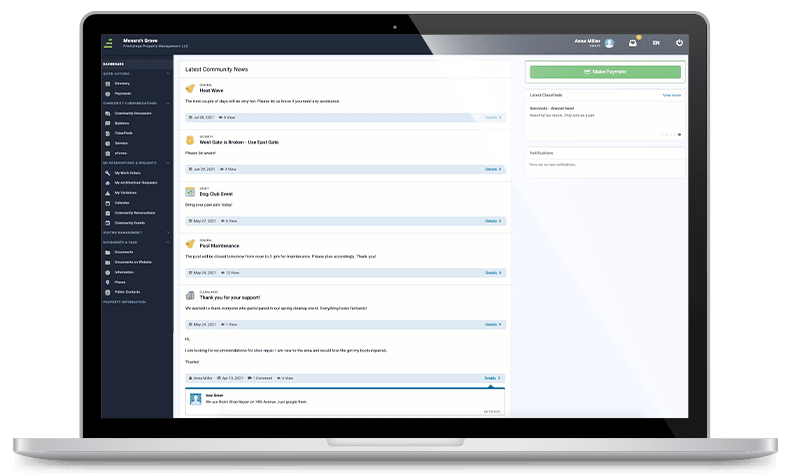
If you relied on AtHomeNet for association management, take a tour of FRONTSTEPS Community. At its core, FRONTSTEPS Community offers a simple, appealing design that puts the perks of community living at homeowners’ fingertips:
• Resident communications
• Event calendars
• Amenity reservations
• Community documents
• Resident directories
• Bulletins
• And more
Premium add-ons take your community operations to the next level, with powerful communication tools and specialized features for high-rises and large scale HOAs.
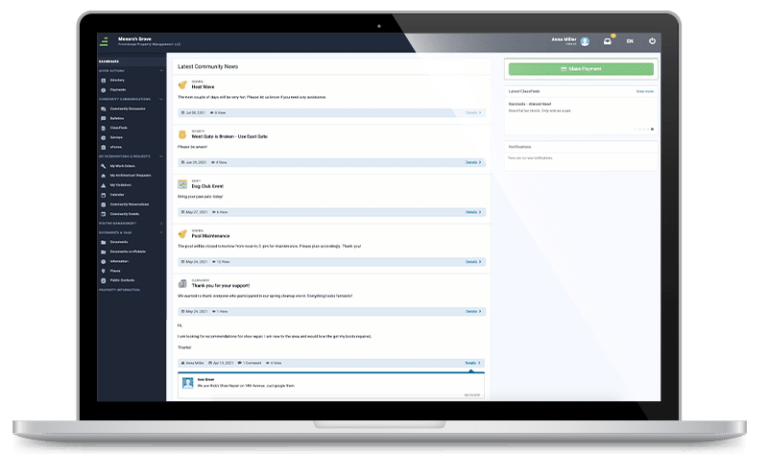
A Homeowner-First Solution
Elevate the communities you serve
If you relied on AtHomeNet for association management, take a tour of FRONTSTEPS Community. At its core, FRONTSTEPS Community offers a simple, appealing design that puts the perks of community living at homeowners’ fingertips:
• Resident communications
• Event calendars
• Amenity reservations
• Community documents
• Resident directories
• Bulletins
• And more
Premium add-ons take your community operations to the next level, with powerful communication tools and specialized features for high-rises and large scale HOAs.
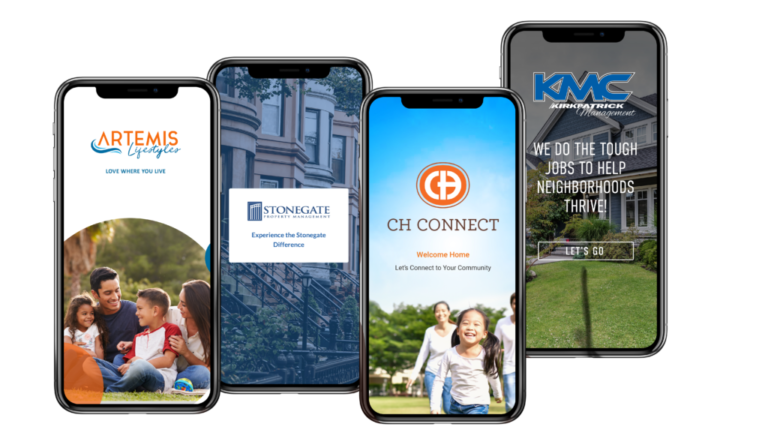
Deliver a game-changing experience for your communities with the FRONTSTEPS mobile app. Stand out from the competition through superior technology in your brand. Through the mobile app, residents can:
• Pay assessments
• View community documents
• Post to discussion boards
• Review scheduled events
• Invite guests
• Reserve amenities
• And more
The result? Higher homeowner satisfaction and lower call volumes for your staff.
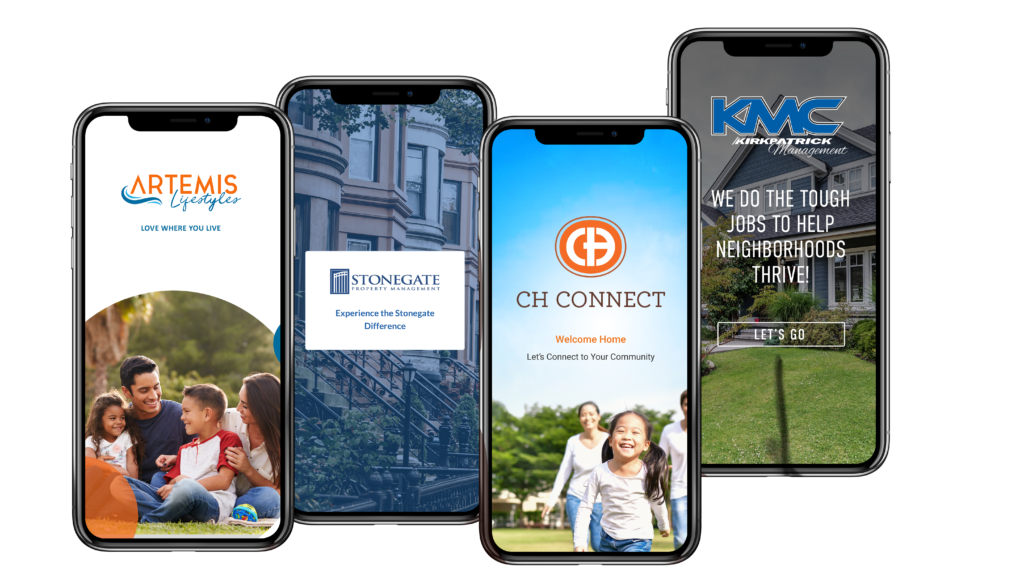
Deliver a game-changing experience for your communities with the FRONTSTEPS mobile app. Stand out from the competition through superior technology in your brand. Through the mobile app, residents can:
• Pay assessments
• View community documents
• Post to discussion boards
• Review scheduled events
• Invite guests
• Reserve amenities
• And more
The result? Higher homeowner satisfaction and lower call volumes for your staff.
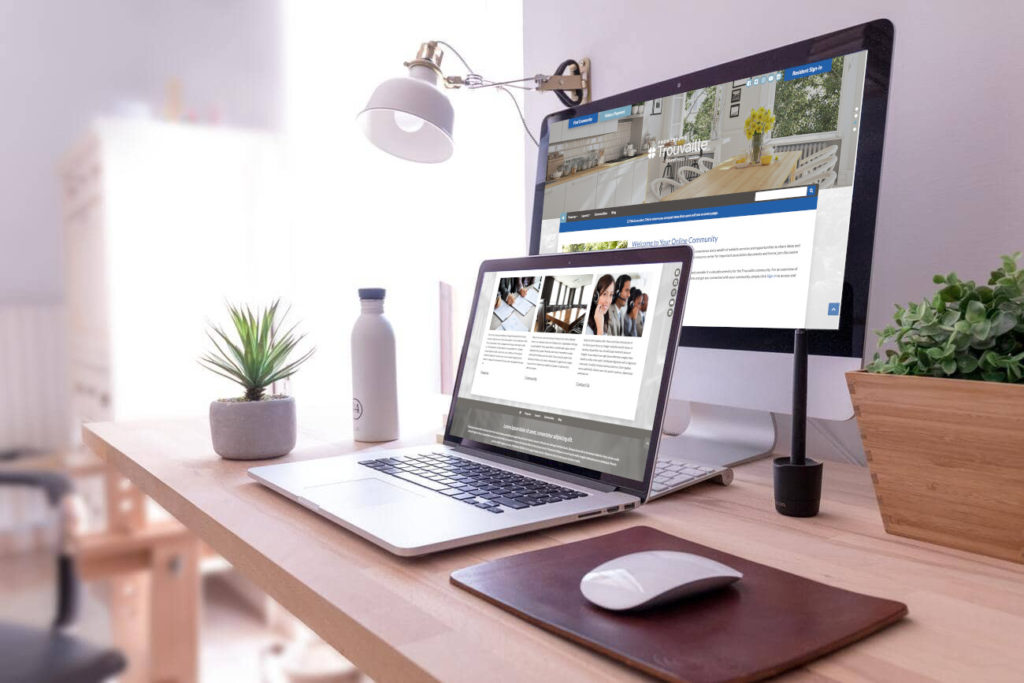
FRONTSTEPS creates custom websites on your behalf, so you can focus on supporting the communities you serve.
• Site design
• Custom branding
• SSL management
• Homeowner payments
• Photo galleries
• Links to homeowner portals
• And more
Stand out from the pack with public websites and homeowner portals that are professional, appealing, and easy-to-use. Reinforce your brand with the help from one of the largest and most widely used technology providers for association management.
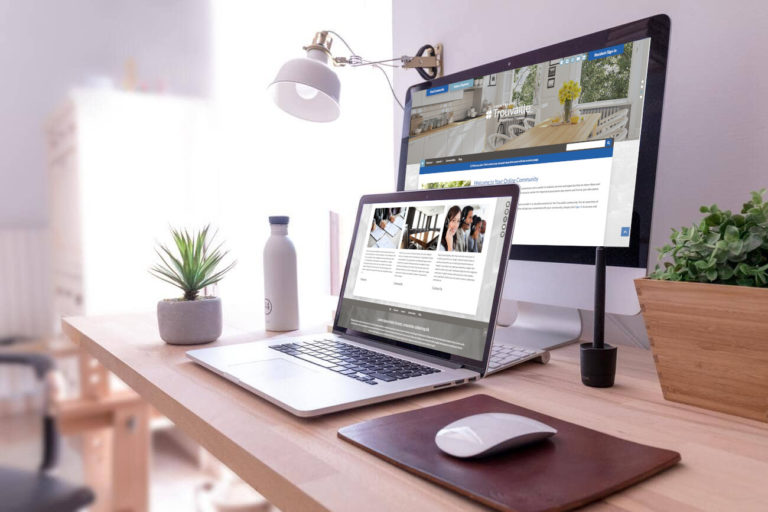
FRONTSTEPS creates custom websites on your behalf, so you can focus on supporting the communities you serve.
• Site design
• Custom branding
• SSL management
• Homeowner payments
• Photo galleries
• Links to homeowner portals
• And more
Stand out from the pack with public websites and homeowner portals that are professional, appealing, and easy-to-use. Reinforce your brand with the help from one of the largest and most widely used technology providers for association management.
FRONTSTEPS: Trusted by 1,400 Management Companies
and 34,000 Communities
Accounting
FRONTSTEPS Caliber helps you scale your operations by managing 100% of your accounting, vendor and bank management, and reporting needs. Caliber handles your unique processes for architectural requests, violations, billing, and more.
Payments
FRONTSTEPS Payments maximizes homeowner convenience by offering error-free online payments directly within their portal and mobile app. Online payments improve cash flow and reduce expenses by eliminating paper checks and increasing your bank earning credits.
Security
FRONTSTEPS Dwelling (formerly dwellingLIVE) packs powerful tools for managing visitors, vendors, packages, and amenity access. Detailed reporting offers peace of mind, and an open approach to hardware integrations gives your communities flexibility for the future.
Need help with your AtHomeNet account?
Frequently Asked Questions
Discover how AtHomeNet fits into the FRONTSTEPS product family.
FRONTSTEPS acquired AtHomeNet in 2017, giving AtHomeNet users access to the industry’s broadest range of integrated solutions. Since then, FRONTSTEPS changed the game for homeowner portals by launching its FRONTSTEPS Community solution – the first with a dedicated homeowner mobile app and native payments.
FRONTSTEPS provides the most complete, connected, and homeowner-friendly technology solution for association management. The FRONTSTEPS suite improves efficiency for property management teams, increases security for homeowner’s associations, and delivers superior service for homeowners. The platform is trusted by more than 1,400 management companies and 34,000 communities, representing 5,500,000 homeowners.
Simplifying association management starts with mastering its complexities. The FRONTSTEPS suite combines the industry’s most trusted products, backed by an expert team to deliver automation on an unmatched scale. Grow your business faster with the first complete technology solution for association management.
FRONTSTEPS is committed to supporting AtHomeNet and the associations that choose to continue using it. However, all new development in homeowner portals and community management is focused on enhancing FRONTSTEPS Community – a core solution in FRONTSTEPS’ all-in-one HOA suite.
Absolutely. Our team will guide you through every step and making the switch will be easier than you think. Contact us today to learn more.